Back to Help
Connecting your FreeAgent account
ClearingHouse connects to your FreeAgent account in order to sync transactions, invoices and reconcile payouts.
How to connect
- Login to ClearingHouse
- When prompted, click "Connect FreeAgent". You'll be redirected to FreeAgent.
- Sign in to your FreeAgent account (if you aren't already) and authorise Stripe.
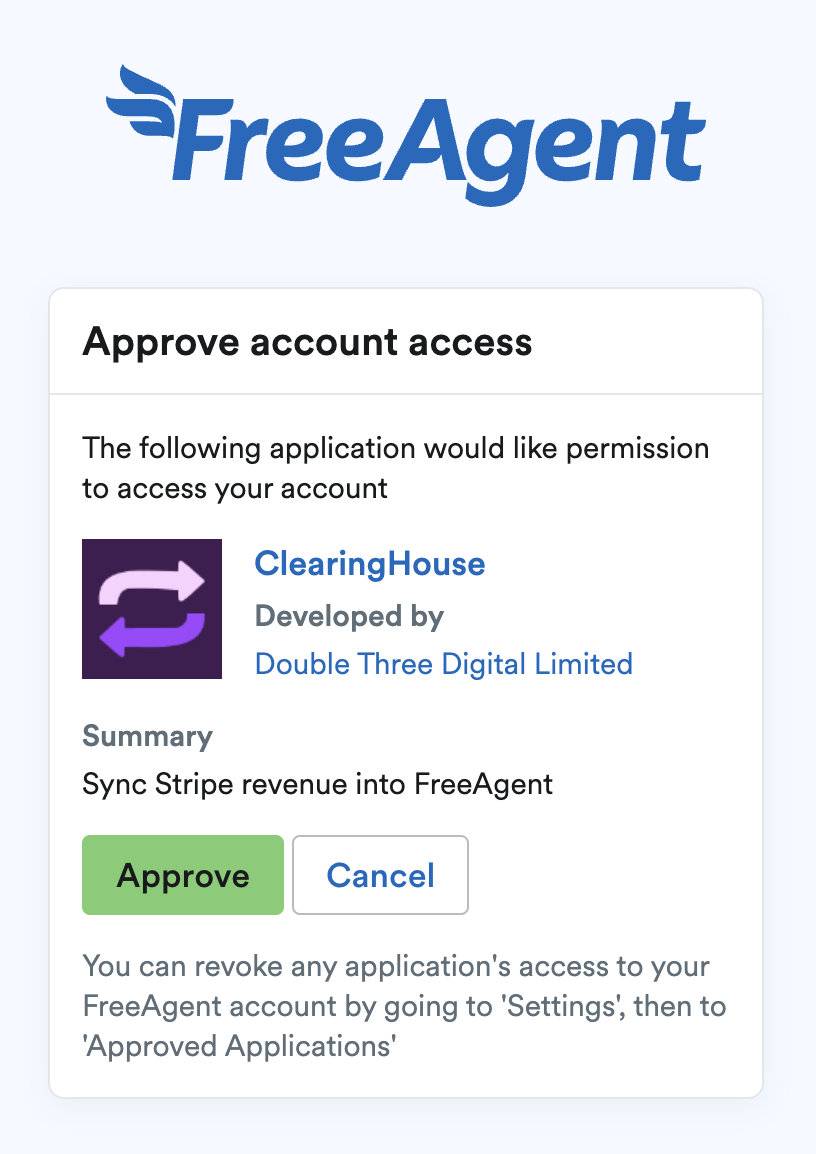
- You'll be redirected back to ClearingHouse. Your FreeAgent account is now connected.
- If you're an accountant, you'll be asked to select which client you want to connect to.
Note: You must have Access Level 7 (Tax, Accounting & Users) or above in FreeAgent to connect to ClearingHouse.
Revoking access
FreeAgent access is required at all times to maintain syncing, so revoking access is not possible within ClearingHouse.
To stop using the service, we recommend deleting your account and revoking access from your FreeAgent account.
ClearingHouse
Help