Back to Help
Connecting your Stripe account
ClearingHouse connects to your Stripe account in order to listen for events and make API requests on your behalf.
How to connect
- Login to ClearingHouse
- When prompted, click "Connect Stripe". You'll be redirected to Stripe.
- Sign in to your Stripe account (if you aren't already) and authorise Stripe.
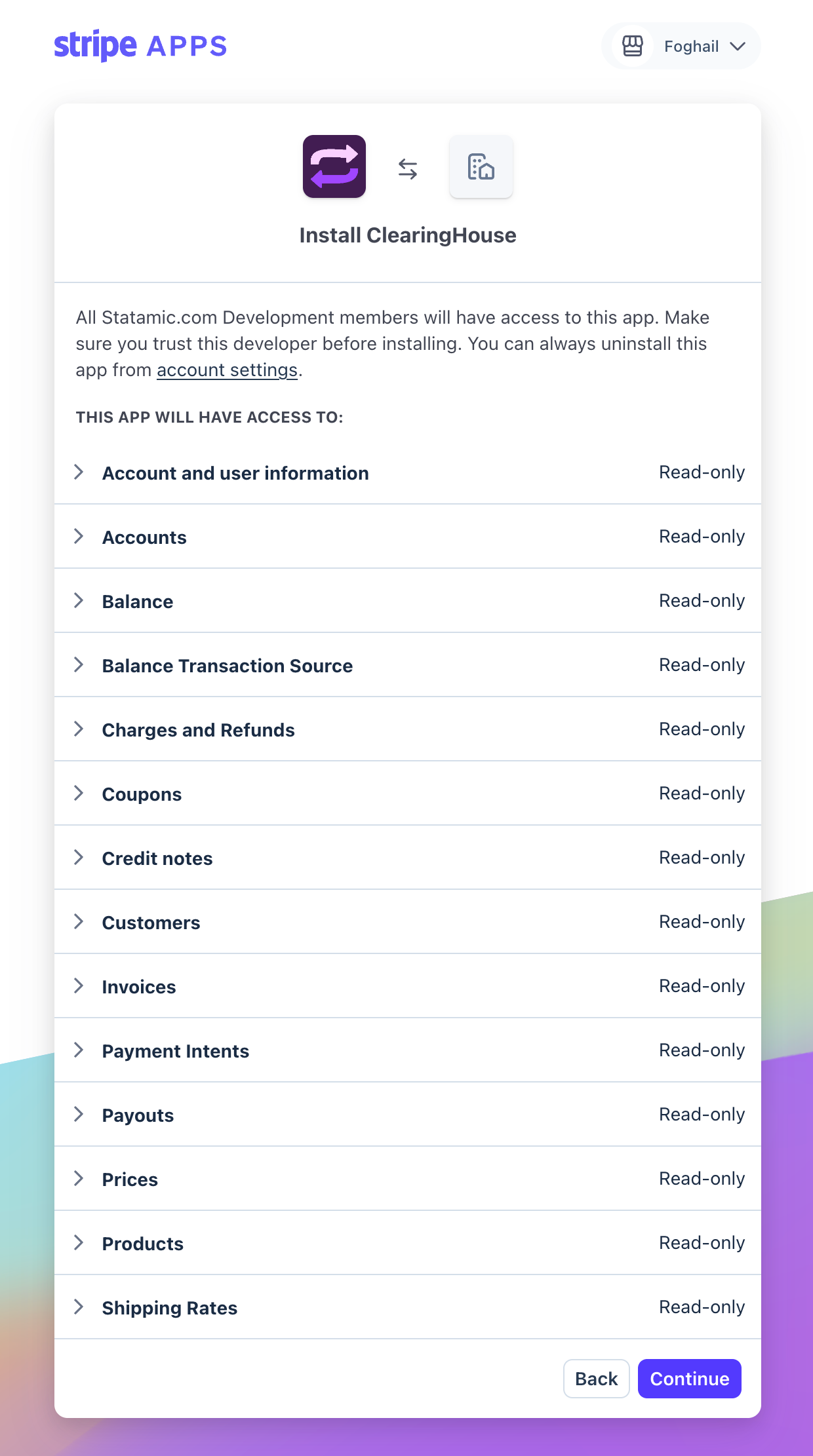
- You'll be redirected back to ClearingHouse. Your Stripe account is now connected.
Stripe access
To set up ClearingHouse, you will need permission to install Stripe Apps. This typically means you need to be an Administrator. ClearingHouse will remain connected if your permissions are later downgraded.
What permissions does ClearingHouse need?
ClearingHouse requests read-only access to data in your Stripe account, including invoices, balances, payouts and products. We use this data to create matching records in FreeAgent.
We do not modify any data in your Stripe account.
Revoking access
You may disconnect your Stripe account at any time from the "Connections" page in ClearingHouse. You may also revoke access directly from your Stripe dashboard.
ClearingHouse
Help