Choosing a sync start date
During the setup process, you will be prompted to choose a "Sync Start Date".
This is the date ClearingHouse will import transactions from. It may be any date after your latest locked accounting period until now.
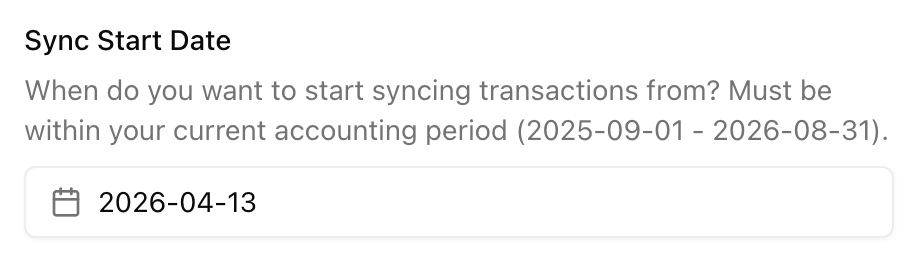
ClearingHouse will begin syncing transactions and invoices from this date at the end of the setup process.
Opening Balance
If there are funds sitting in your Stripe balance at your "Sync Start Date", ClearingHouse will create an "opening balance" transaction in the clearing account.
This opening balance covers the funds in Stripe on your start date. ClearingHouse can't recreate the individual transactions that make up this balance because they happened before your start date. It's possible that you've already accounted for them in some other way.
Because of this, FreeAgent will ask you to explain the opening balance transaction yourself. How you explain it depends on how you accounted for those earlier Stripe payments (if you're unsure, ask your accountant or bookkeeper):
- If the income was already recorded elsewhere (eg. against invoices or another bank account), explain it as a transfer from that account, so it isn't counted twice.
- If the income hasn't been recorded anywhere yet, explain it as sales income.
Payouts after your start date
If you've received any payouts after the "Sync Start Date", you'll need to explain them yourself.
Depending on how you've accounted for them, this may be as simple as re-explaining the payout as a transfer from the clearing account to your bank account.
Invoices issued before your start date
ClearingHouse will only import Stripe invoices issued after your start date to avoid conflicting with invoices you've created manually OR invoice payments you've already accounted for.
Changing the sync start date
If you're in the process of setting up ClearingHouse, and you'd like to change the "Sync Start Date", please reach out and we'll help you.
Help